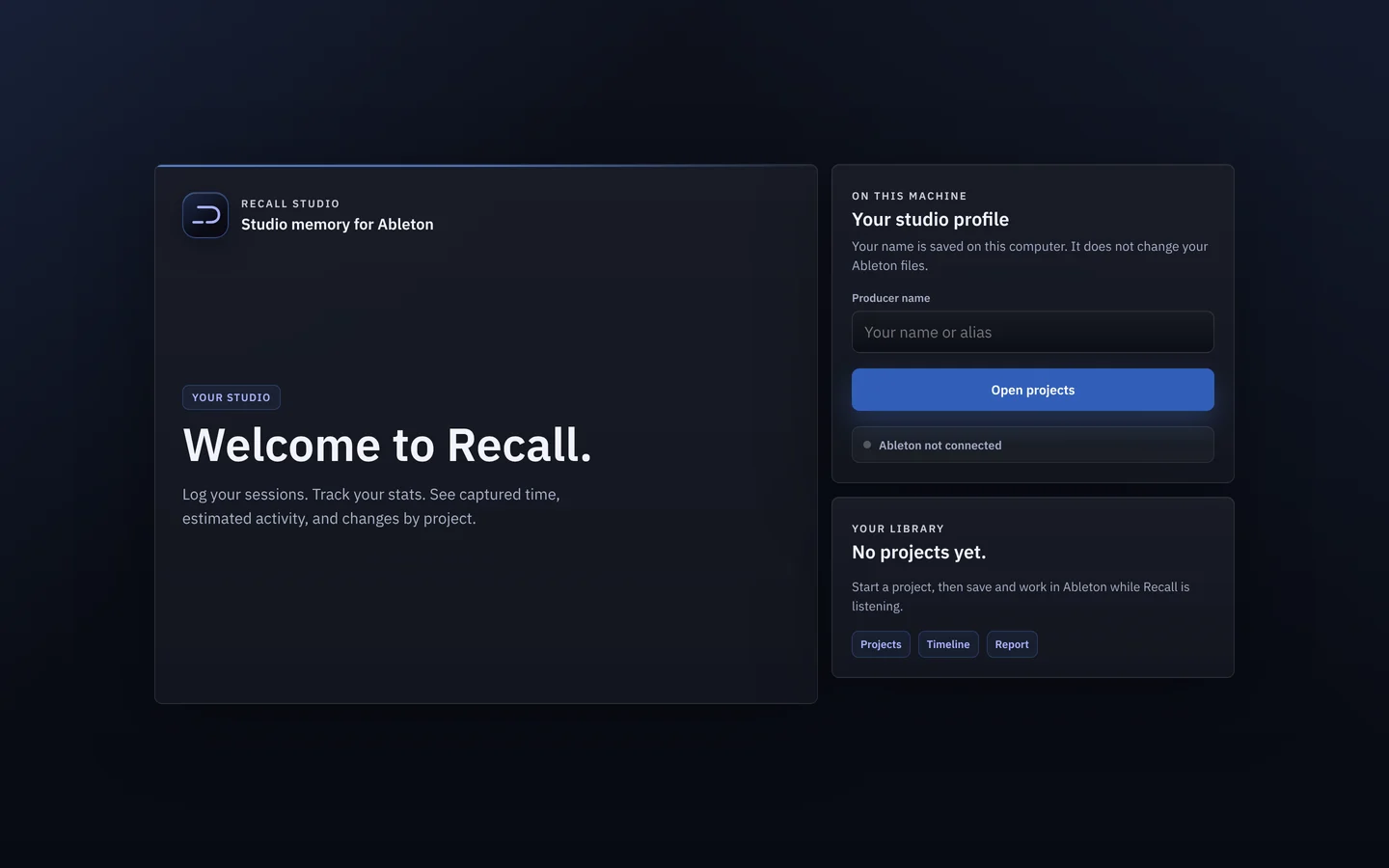
One session, start to finish.
What Recall captures while you work in Live, and how you read it back afterwards.
How did I get this sound?
Which version was the good one?What did I actually do last night?
A patch gets rebuilt from memory, badly. Hours vanish and nothing says where. And the changes that mattered look exactly like hours of noodling.
Captures while you work.
Open Ableton and your project. Recall picks up where that version left off. Afterwards, read the session in order, by track, or by type.
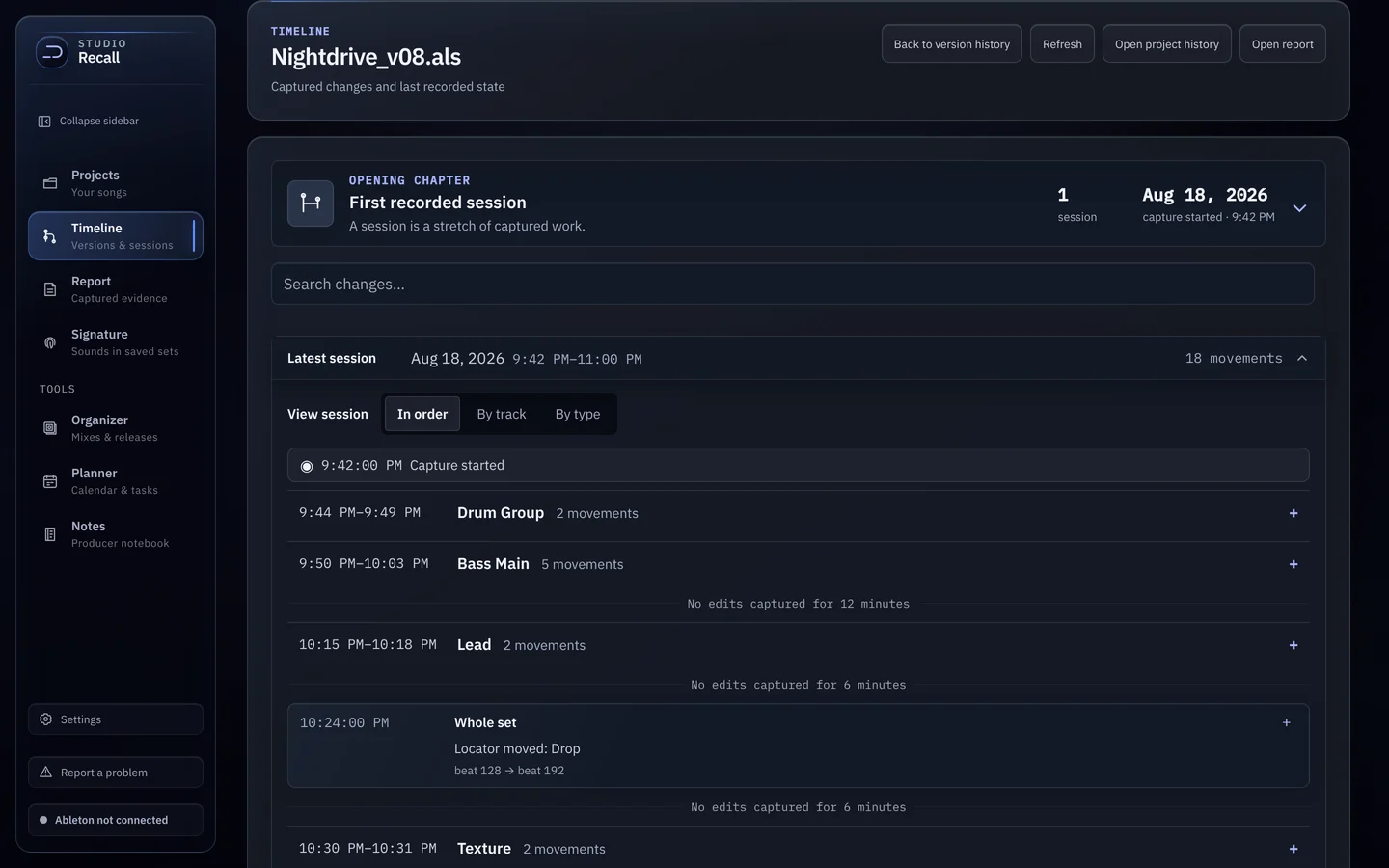
It arrives already knowing your songs.
Every song you’ve worked on, found by scanning your music folder. Rename or move a file and you can relink its history.
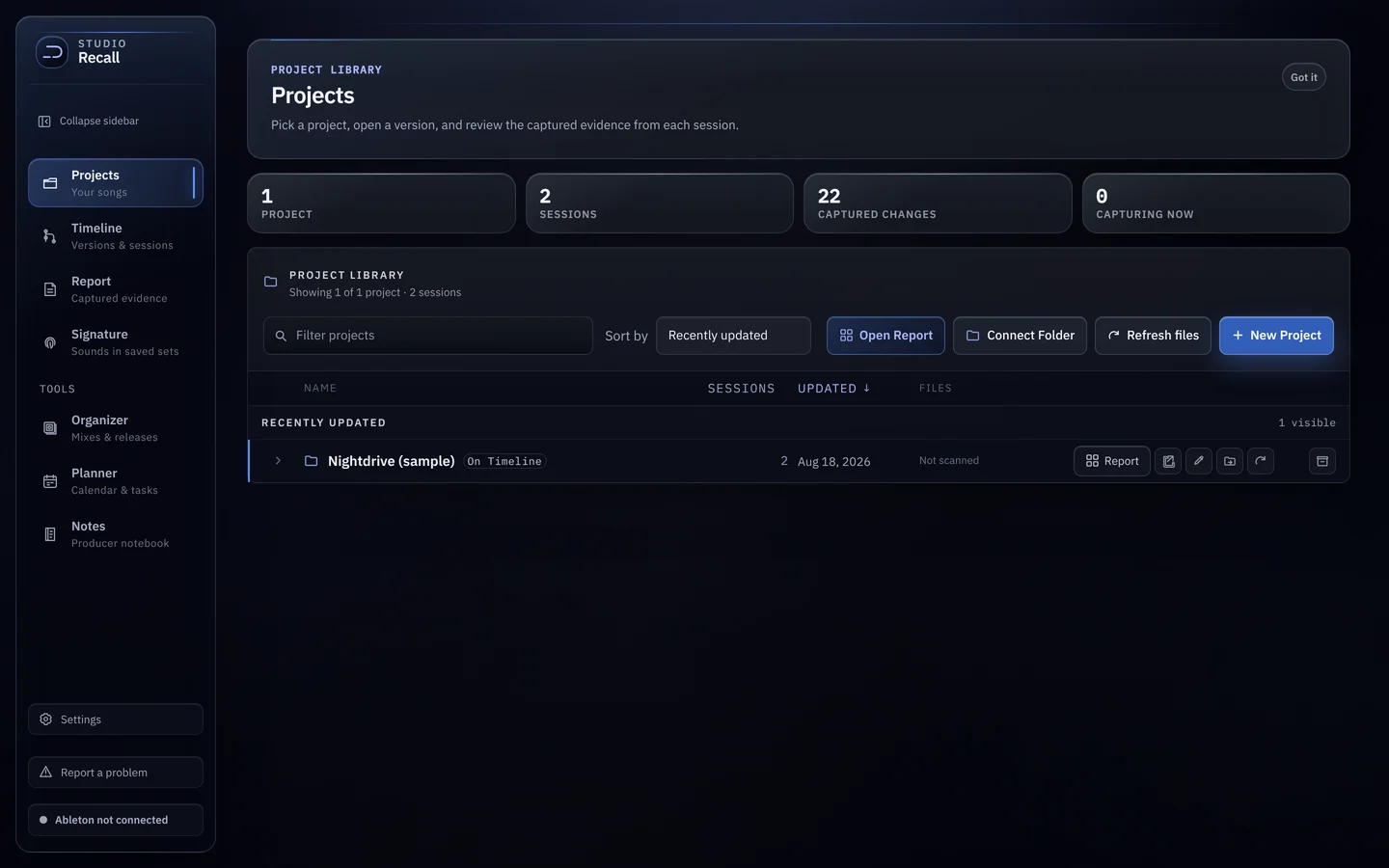
Branches, like git. Sessions inside.
Every .als on one line. Go back to an older file and take it somewhere new, and a branch appears. Select a version to see its sessions and where you left off.
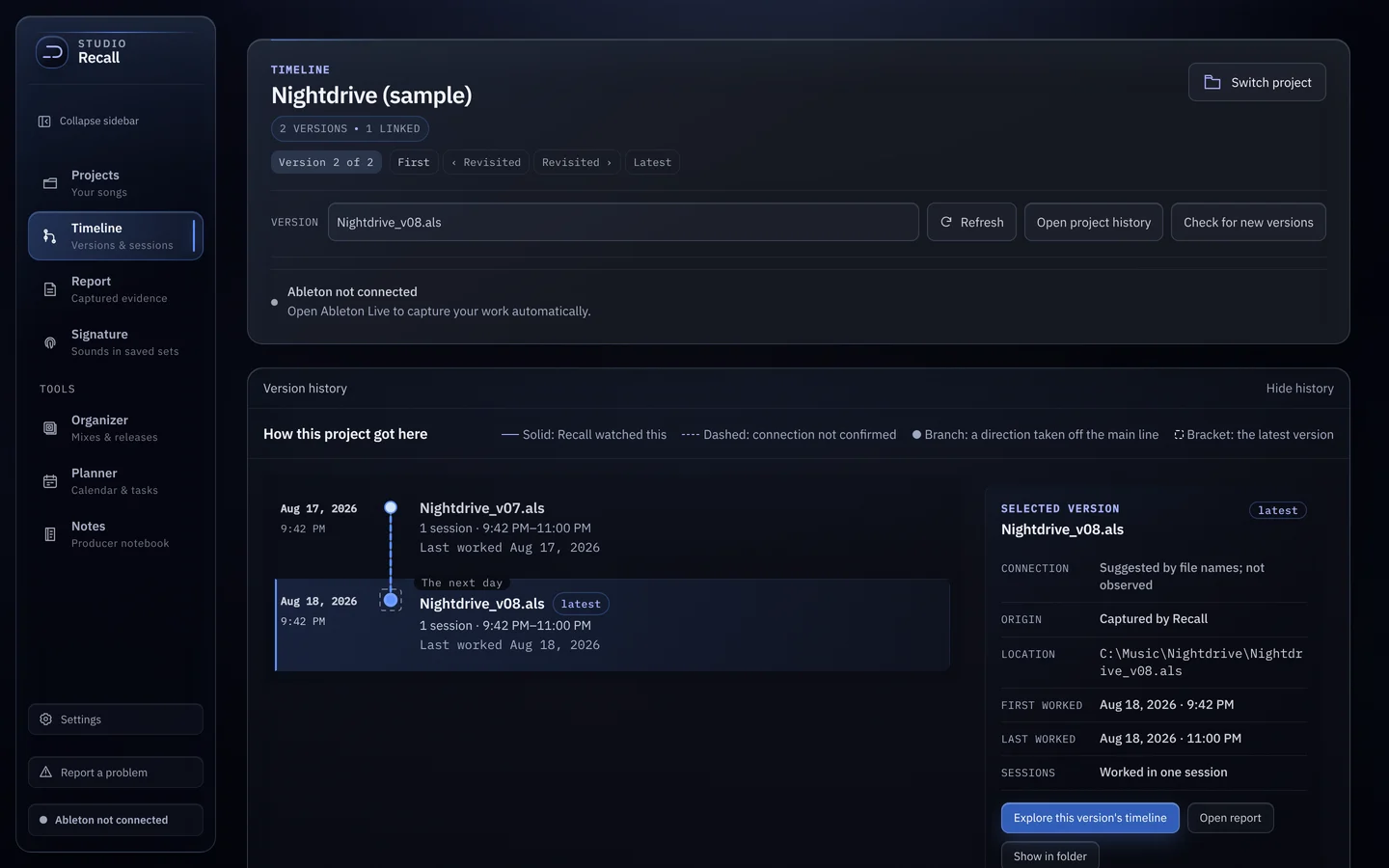
Every number opens the changes behind it.
The Report opens on the Log, one activity chart at a time with a picker for each stretch of work. Then Project history, Device chains and Overview. Export PDF saves it as a printable document.
- Log
- Project history
- Device chains
- Overview
What your sound is made of.
Recall reads the newest saved set of every project and shows the instruments, presets, drums, samples and chains you keep coming back to.
From sessions to a release.
Organizer lays out an album, EP or single from your mixes, with waveform, loudness (LUFS) and dynamic range per mix. Planner holds the calendar and tasks. Notes is a producer notebook.
- Organizer
- Planner
- Notes
Receipts, not a diary.
Recall doesn’t ask what you did. Every row is a change Live reported at the moment it happened. Nothing is estimated after the fact, and nothing is scored.
Unreleased music never leaves the machine.
Your projects, versions and captured changes stay on your computer. Recall reads your saved sets and never writes back to them. For pros in label sessions, that’s the point.
- No accountNothing to sign up for.
- Nothing uploadedNo cloud copy of your work.
- Read-onlyYour .als files are never changed.
Three steps, once.
- 01Download and open Recall.
- 02Let it install its Ableton script, then restart Live. It finds your User Library on its own.
- 03Preferences → Link, Tempo & MIDI → choose “Recall” in an empty Control Surface slot.
Listening to Ableton