Mac
Apple Silicon (M1 and later)This computer- File
- Recall_0.1.5_aarch64.dmg
- Size
- 7.1 MB
- SHA-256
- 4171839769cddbe0dfe38631b14b6614b4d5426bbb131af20e102e2c5fa9bf27
For Ableton Live 11 and 12, on Mac and Windows. No Live Suite or Max needed. Released 2 October 2026.
Compare the SHA-256 above with the one your computer works out. They should match exactly.
Mac (Terminal)
shasum -a 256 ~/Downloads/Recall_0.1.5_aarch64.dmgWindows (PowerShell)
Get-FileHash $HOME\Downloads\Recall_0.1.5_x64-setup.exeEvery installer is also listed on the GitHub release page, with its digest. All releases.
Three steps the first time. After that Recall is on for every set.
On a Mac, drag Recall into Applications and open it. On Windows, run the installer.
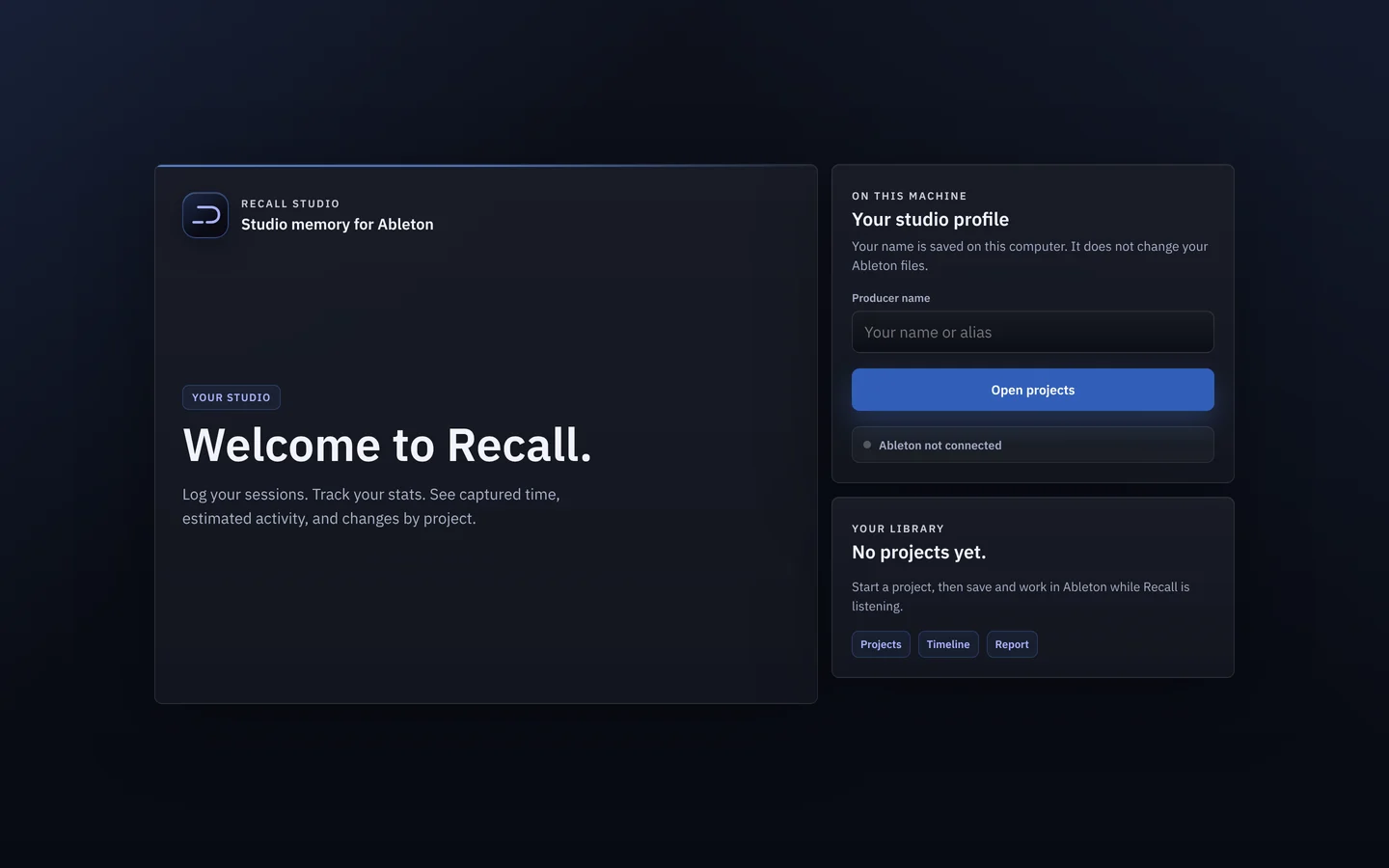
Recall finds your Ableton User Library on its own and adds a small Control Surface script, the same built-in mechanism Live uses for hardware like Push. Live loads scripts when it starts, so restart it once.
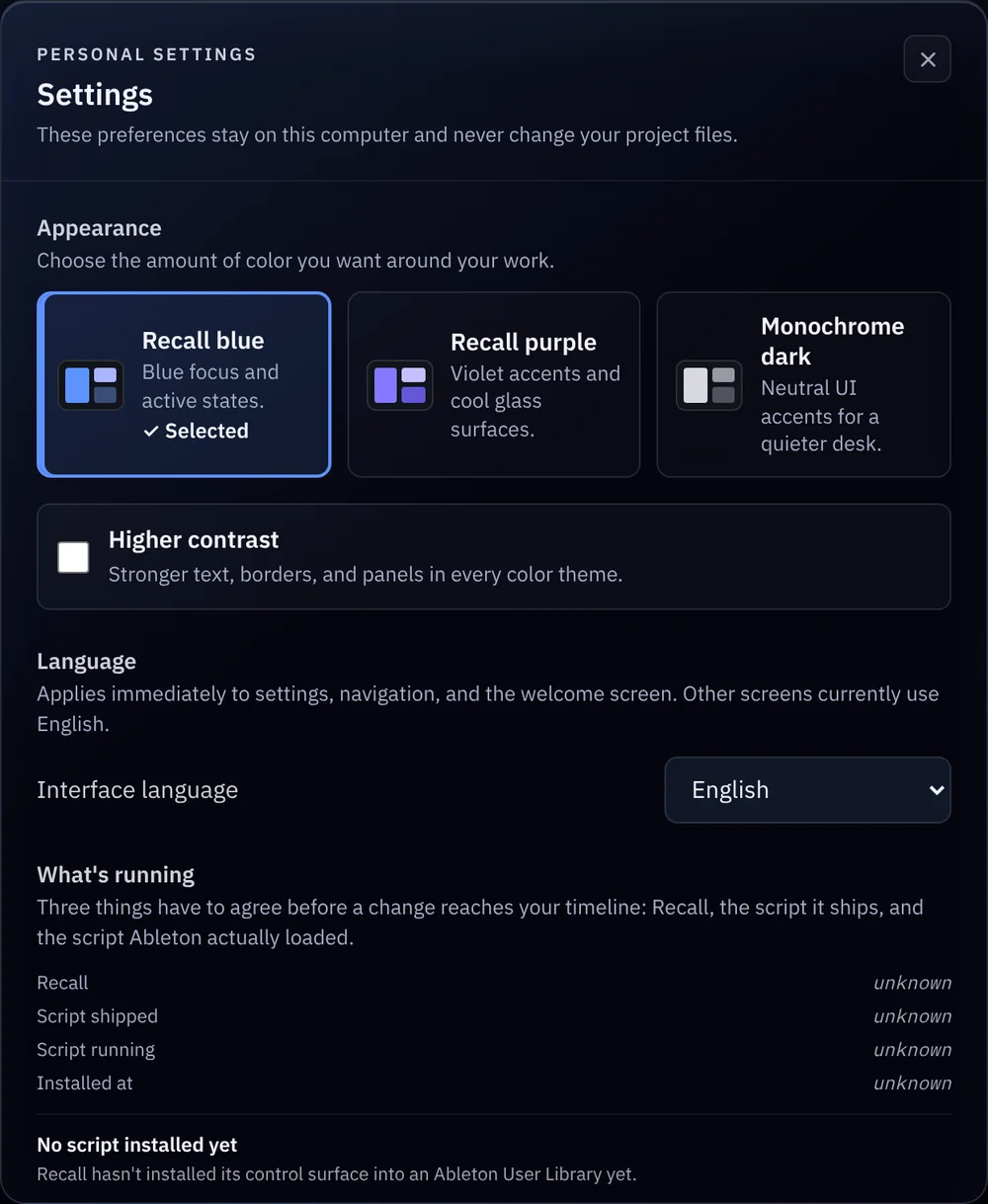
In Live, open Preferences → Link, Tempo & MIDI and set an empty Control Surface slot to these values:
Listening to Ableton
That’s the status Recall shows when it’s connected. It’s on for every set from now on: open a project and it picks up where that version left off.